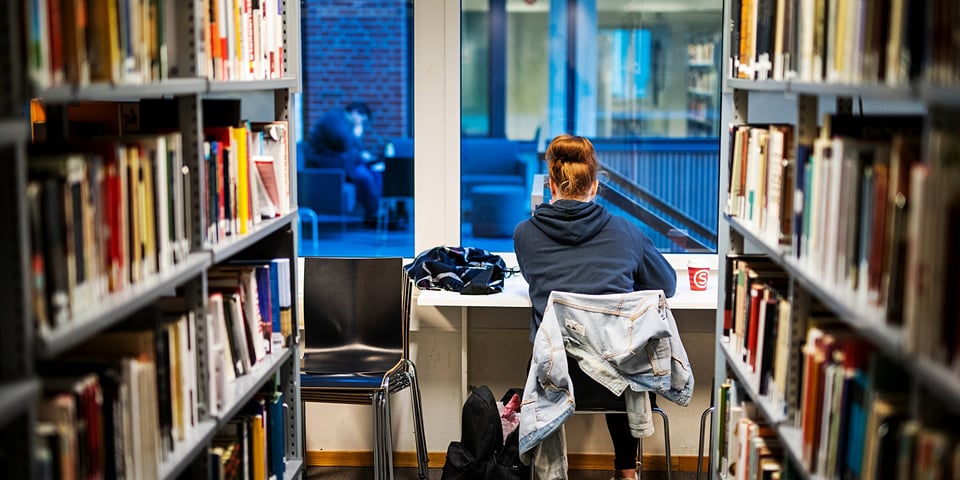
Please find the books you want to borrow, on the shelves. However, you may reserve/order books that are on loan or not available on your campus. The book will then be reserved or ordered from another library, and you will receive an SMS or an email when you can collect the book at the University Library.
External users can only reserve items belonging to the University Library.
Find your curriculum
Information on how to find your reading list (student.oslomet.no).
Order books
- Search for the document in our search engine Oria (oria.no).
- If the book is checked out from the library, you can sign in to Oria (with the same username and password as in Canvas/Feide) and order by clicking the Request button. If the book is not owned by any of the OsloMet libraries, you can click on the Norwegian Academic Libraries in the drop-down menu, to see if the book is available at another library. You then order the book in the same way you order a checked out book.
- You will be notified by SMS when the book is ready and can be picked up. If you have ordered an article, this will be sent to you by post (internal mail to employees).
Employees: Please contact us if you have any problems with signing in.
Inter library loans: If you have questions about inter library loans, please fill out our contact form (oslomet.pureservice.com).
External users can only reserve OsloMet's material, we do not borrow items from other libraries for external users.
Loan renewal
You can renew loans up to five times if there is no waiting list. Loans from other libraries can be renewed by contacting your library.
Sign in help in Oria (unit.no, Norwegian only), also includes guidance for external users.
Employees: Please contact us if you have problems with signing in.
Order articles in Oria
- Search the article title in Oria (oria.no).
- If you do not get a match for the article in Oria, check the box Include Material Your Institution Doesn't Have Access To, under Tweak My Results. You will then get articles OsloMet does not have access to, but can order. You can also try searching for the journal title.
- If the journal is not available at OsloMet, choose the tab Norwegian Academic Libraries in the Search Scope drop-down menu.
- In the result list, locate and click the article you want, then choose the button called Resource Sharing Request".
- Make sure as many of the following fields as possible are filled in on the order form: article title, journal title, author(s), volume, issue, page number and year.
Note: Article copies can only be ordered if OsloMet does not have the article in printed or electronic form.
Ordering via databases
- Search for the article in your database of choice (oria.no).
- Click on the icon @OsloMet in the results list.
- Click on the Full Text link if possible. If it is not available in full text however, click Find And Order and fill out the order form. Then scroll down the page and click Order Document / Request.
Borrowing AV equipment
Did you know that students and employees at OsloMet can loan audiovisual equipment for projects? Borrow AV equipment.